PCB FORGE
PCB Forge
Turn any PCB layout into a 3D-printable mold. No etching, no chemicals.
How it works:
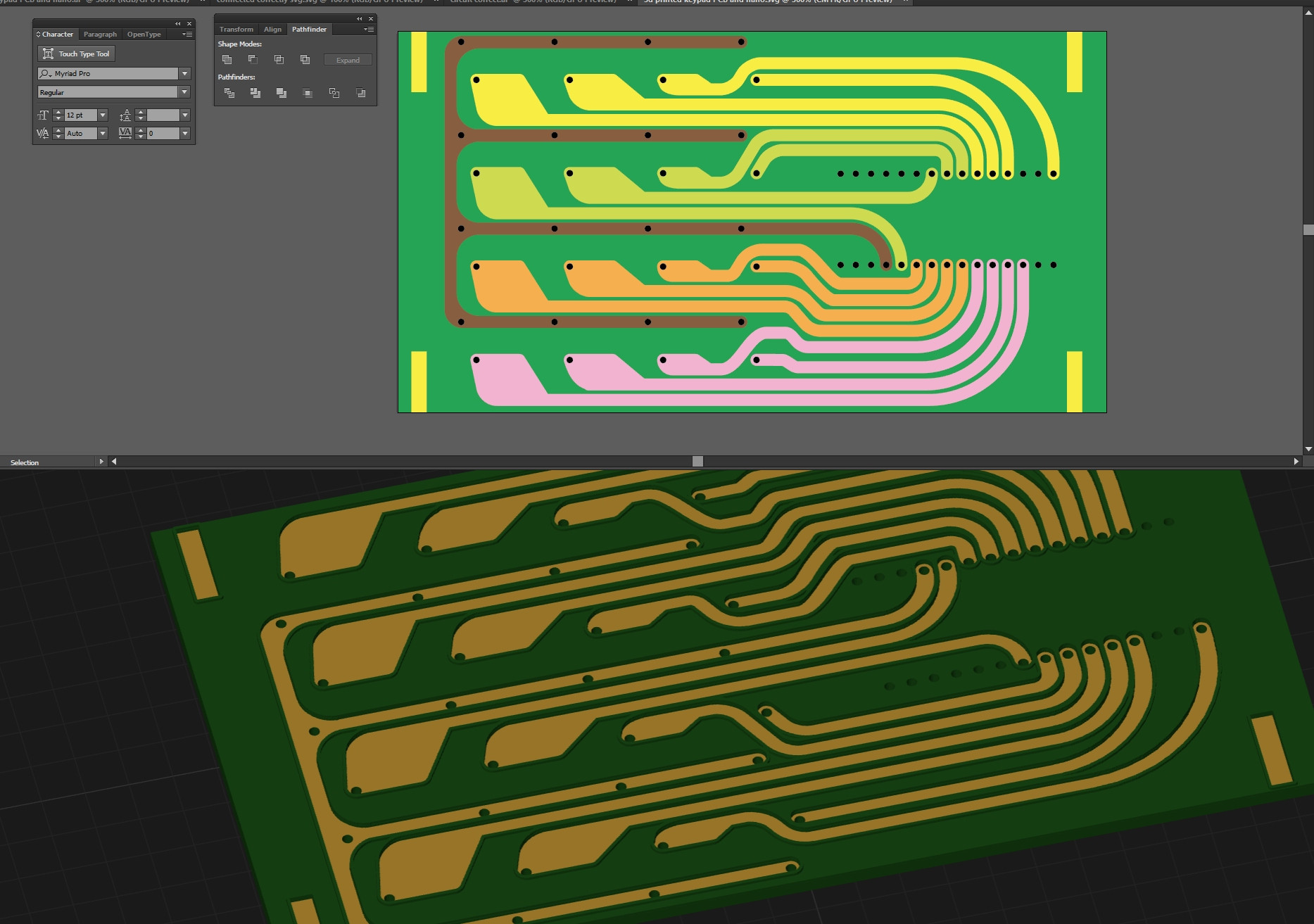
- Design your PCB in any vector editor. Export as SVG — traces as filled shapes, holes as circles.
- Drop the SVG into PCB Forge. Adjust trace depth, clearance, ridge height, and spike size.
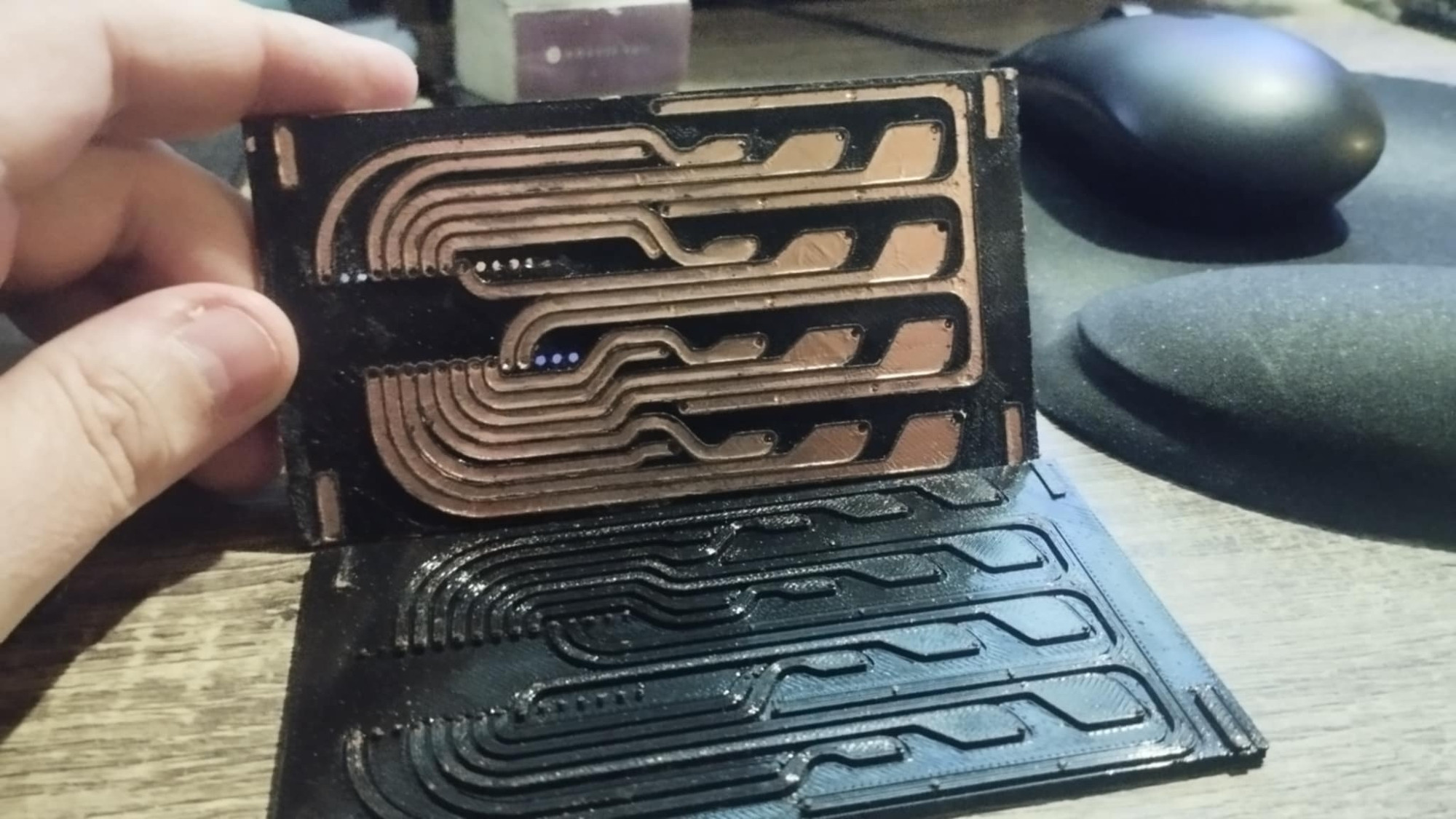
- Export the base and companion as STL files. Print both.
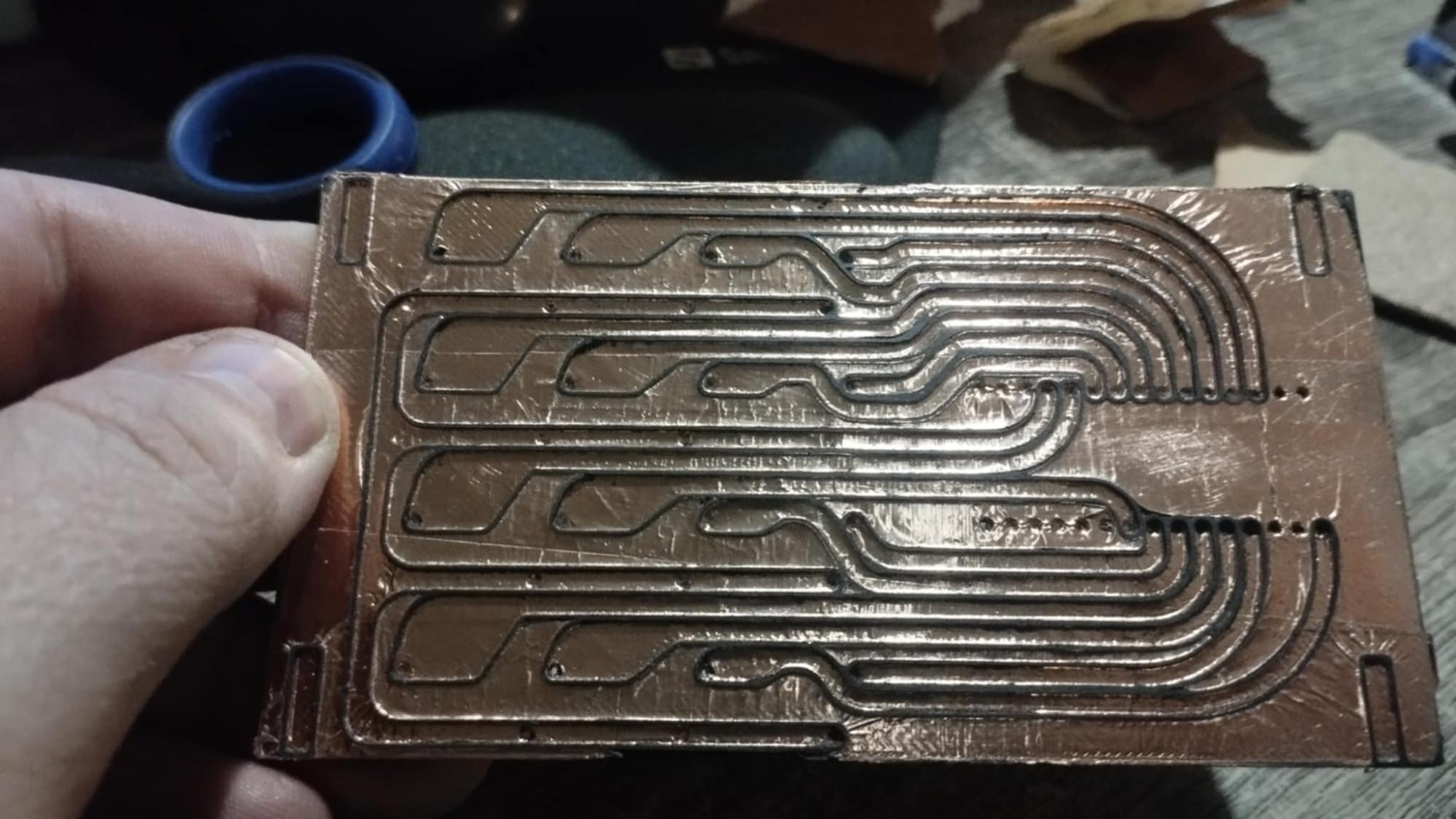
- Stick copper tape onto the base. Use the kind with conductive adhesive so overlapping pieces count as one surface.
- Press the companion mold on top — it pushes the copper into the recessed traces.
- Sand the ridges. The exposed copper files off. The copper inside the channels stays. Your traces are now electrically isolated. Solder and go.
- Optional step, you can remove the extra copper tape between the steps. You might also like to use an alcohol-soaked q-tip to remove any plastic dust/ copper tape glue that sticks inside the traces. but it makes no difference to conductivity.
Inspired by QZW Labs' raised-PCB method.
Step-by-Step Workflow for the SVG file
- Design in Illustrator (or any vector editor) at 72 DPI
- Board outline: Draw the board shape as the largest, backmost filled shape (any color)
- Traces: Draw copper paths as filled shapes in any bright color (yellow is traditional)
- Pinholes: Draw as small circles (< 2.5mm) — any color, they'll all become pinholes
- Through-holes: Draw as large circles (≥ 2.5mm) with black or white fill
- Circular pads: Draw as large circles (≥ 2.5mm) with a color fill
- Board cutouts: Draw any shape (star, slot, rectangle) in black or white — it cuts through the base only
- Export SVG: File → Save As → SVG (default settings are fine)
- Import: Drop into PCB Forge, set board width, adjust parameters
- Export STL: Download base and companion separately, print both
Download the test.svg on this page to try it (it's just my custom circuit to connect 4x4 cherry switches to an arduino nano)
Here's a video if you need help.
Download
Click download now to get access to the following files:
Comments
Log in with itch.io to leave a comment.
This tool is awesome! But when playing with it, i noticed it renders immediately. This causes the page to be unusable until the render is done. Thus fiddling with it is a bit cumbersome... I am using firefox. Is it possible to delay the render a bit? Or maybe have render now button?
So. Testing scale limits and uh, the minimums set in your software are waaaaay too big for some of the mayhem that might work.
Also only support for one size of circular pads it seems?
yes. that's how it is
2 questions.
I'm in the US and it says I can't download the executable. Is there any way around that if the checkbox to Enable alternate download mode?
Secondly, what symbol or type of object would get 1206 SMD LED pads?
There is no executable. It's a web tool
Okay so. Some crazy thoughts.
1. Instead of fully 3d printing? Mount a thin unplated PCB as the print surface. Mesh that.
Minimizes print time as long as a good adhesion can be had. PETG-GF? Great adhesion to glass based materials, decent dielectric, and low shrinkage?
2. Re-mount with the mold fully pressed together with it. Re-mesh, obviously. Print again on the backside? Dual sided boards even!
If you do it, please report back your findings
If you start with a pre-drilled material, I don’t see why this can’t be used in multiple layers on each side with processing (soldering via, etc), and for more advanced circuits, like aluminium for heat dissipation, and other custom substrates. The key I think would be the choice of layer adhesives.
I imagine approaching this like multi-colour manual printing for attributes that may even be impossible to order.
awesome!!
wow this is really cool -- any chance we could get a demonstration video?
absolutely. go to: https://bsky.app/profile/castpixel.bsky.social/post/3mf7rsdcwq22h
thanks so much